
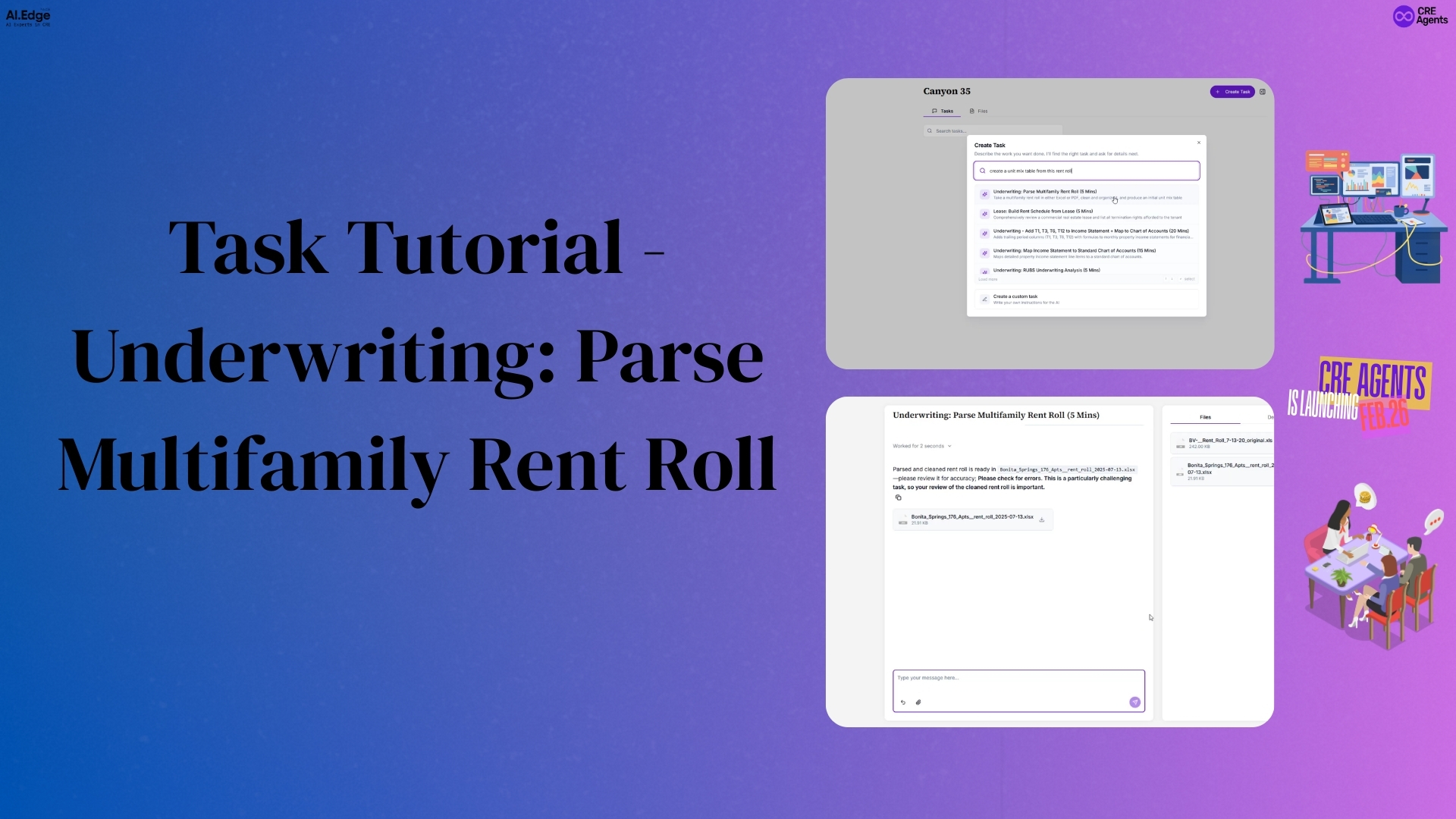
One of the most tedious tasks in multifamily underwriting is cleaning a rent roll. If you’ve ever dealt with a messy Excel file where tenant data is scattered across inconsistent rows, you know how long it can take to get things into a usable format. This walkthrough shows exactly how CRE Agents takes a raw, disorganized rent roll and turns it into a clean, analysis-ready file in about five minutes.
The Starting Point: A Messy Rent Roll
The example used here is a hypothetical multifamily property in Bonita Springs with 176 tenants. The rent roll, as described, is pretty messy — exactly the kind of file that would normally require significant manual work before any real underwriting could begin.
The goal is twofold:
- Clean the rent roll so that each line represents exactly one tenant with all relevant information on that row.
- Roll that data up into unit mix tables sorted in different ways.
Creating the Task
To kick things off, a new task is created with a simple, plain prompt — something like:
“Parse a multifamily rent roll” or “Create a unit mix table from this rent roll.”
The task is pulled from a pre-built template called “Underwriting: Parse Multifamily Rent Roll”, which comes with a description already filled in: “Take a multifamily rent roll in either Excel or PDF, clean and organize it, and produce an initial unit mix table.”
The task is assigned to a project — in this case, as example, Canyon 35, a portfolio of assets that includes this Bonita Springs property. The rent roll file is then dragged and dropped in, and with one click on Create Task, the workflow begins.
What Happens Behind the Scenes
Once the task is created, the AI co-worker gets to work using a pipeline of sub-agents — specialized AIs that work on its behalf. Here’s how the process unfolds:
- Parsing — The first sub-agent reads and interprets the raw rent roll.
- Validation — A second agent reviews the parsing work to catch any errors.
- Cleanup — A third agent refines and standardizes the data.
- Final Validation & Export — The orchestrating agent does one last review and packages everything into the finished Excel file.
The whole thing runs in approximately five minutes.
The Output
Once complete, the finished file appears directly in the right-hand work pane. Opening it reveals:
- A cleaned tenant roster — every tenant on their own individual row, with all the information needed. Tenant names are also anonymized automatically.
- A property summary tab — a high-level snapshot of the rent roll and overall property information.
- Two unit mix tables — one sorted by square footage range and another by unit type, giving you flexibility depending on how you need to analyze the asset.
The Takeaway
What used to take hours of manual formatting is now a five-minute task. By simply uploading a file and writing a one-line prompt, the AI co-worker handles parsing, validation, cleanup, and export — all without any manual intervention. For underwriters working across a portfolio like Canyon 35, that’s a significant time savings on every single deal.
What To Do Right Now
Click the link below to confirm your spot on the launch list. You’ll receive your invite starting February 26th.
📺 Watch the video tutorial here: CRE Agents Walkthrough